Keep Mac screen on: how the display stays on under macOS
A recipe on the screen, a dashboard on the wall, a progress bar you want to keep an eye on. And after a few minutes everything goes black.
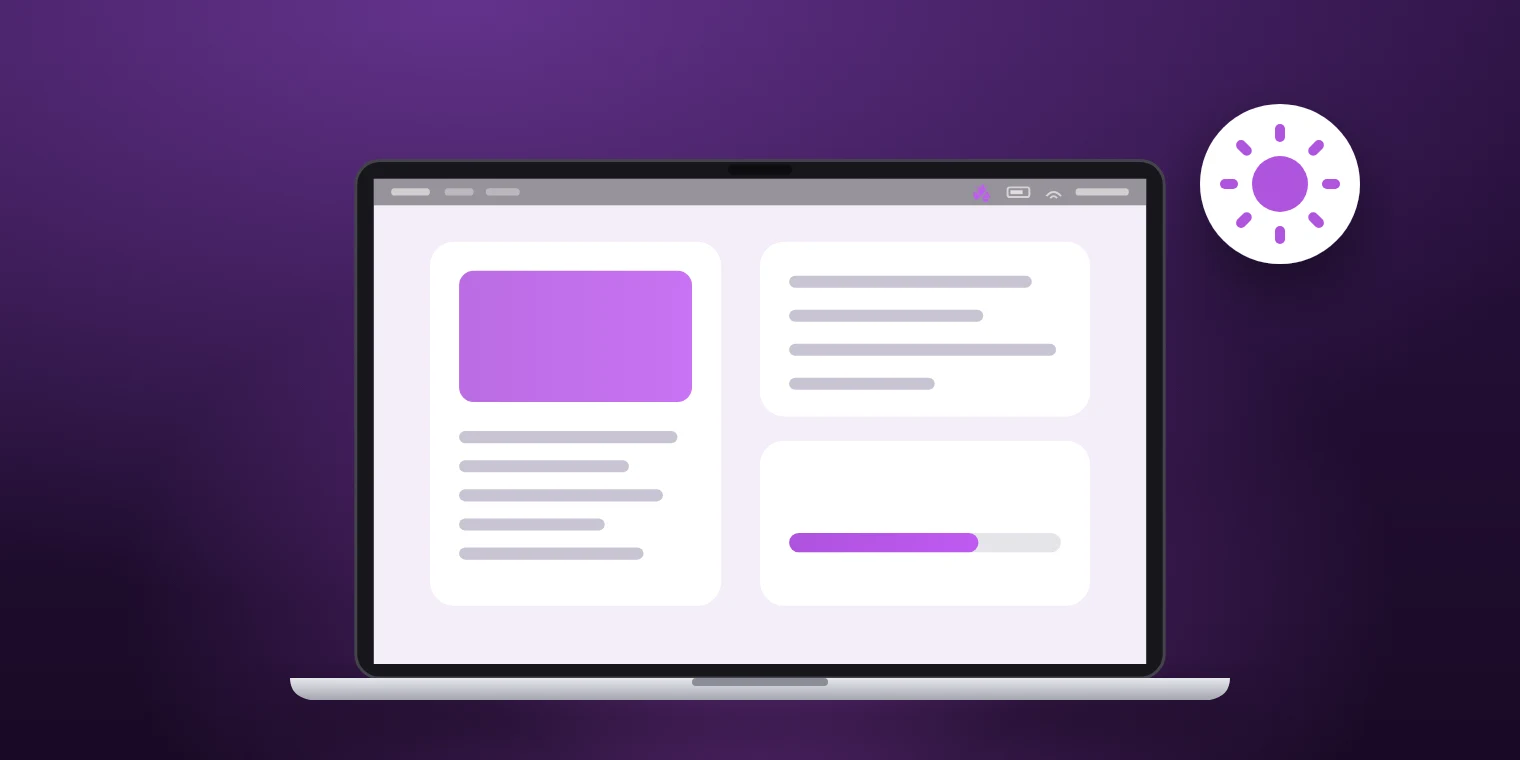
Display off is not sleep
macOS turns off the display first and only later puts the system to sleep. Both hang on the same question: how long has there been no input?
A dark display does not stop a download. It is only a problem when you want to see something, and that is exactly when it does not help that the computer keeps working in the background.
The setting in macOS
In System Settings under Lock Screen you decide after how long without input the display turns off, separately for battery and power adapter.
Choose “Never” there and you have solved the problem and created a new one: the display now stays on all the time, even when nobody is in front of it. That costs battery and leaves the same image on the display for hours.
On only while it is needed
During a session, Toxin explicitly keeps the display awake, not just the system. To the Mac, a session behaves like someone sitting in front of it.
A span from five minutes to twenty-four hours covers most occasions. When it runs out, the Lock Screen setting applies again and the display turns off as usual.
What a session does not change
The screen saver and when the password is required are separate settings under Lock Screen. Toxin does not change them.
If you lock the screen by hand, it locks. A session only prevents the display from turning off on its own.
Typical occasions
- A recipe or instructions you follow while working.
- A dashboard or clock on a second Mac.
- A progress bar you want to keep in view.
- A video call in which you mostly listen for a long time.
Common questions
Does the display stay on when I close the lid?
No. With the lid closed, the built-in display is off. Lid mode lets the Mac keep working, but the built-in display shows nothing.
Does a display that stays on use a lot of battery?
The display is one of a MacBook’s biggest consumers. If you keep it on for longer, lower the brightness and choose a span instead of “indefinitely”.
A display that turns off while you are looking at it is an annoyance with a simple fix. Toxin keeps it on for a span you choose — a menu bar app for macOS, not on the Mac App Store yet.